
Faint Signal Lift
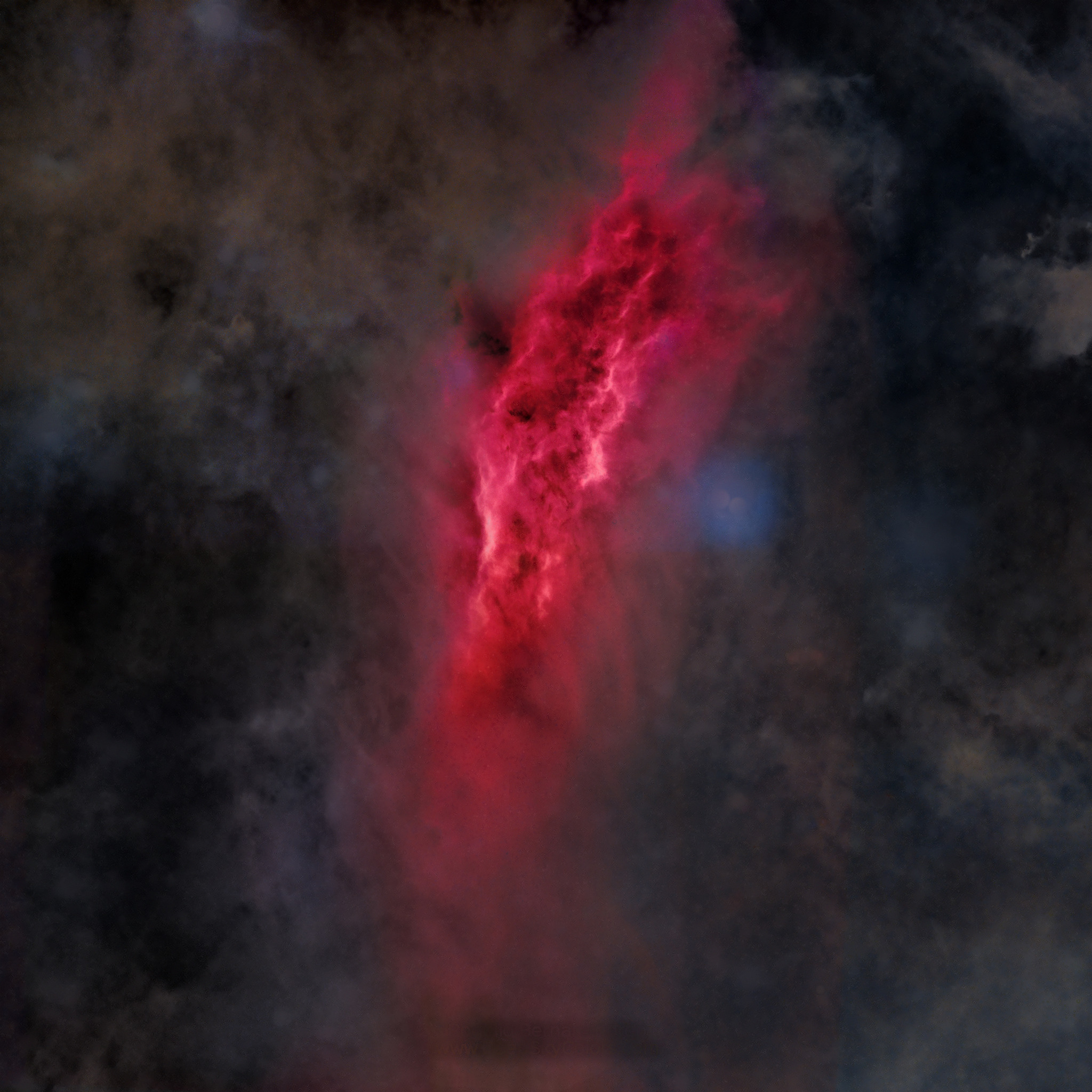
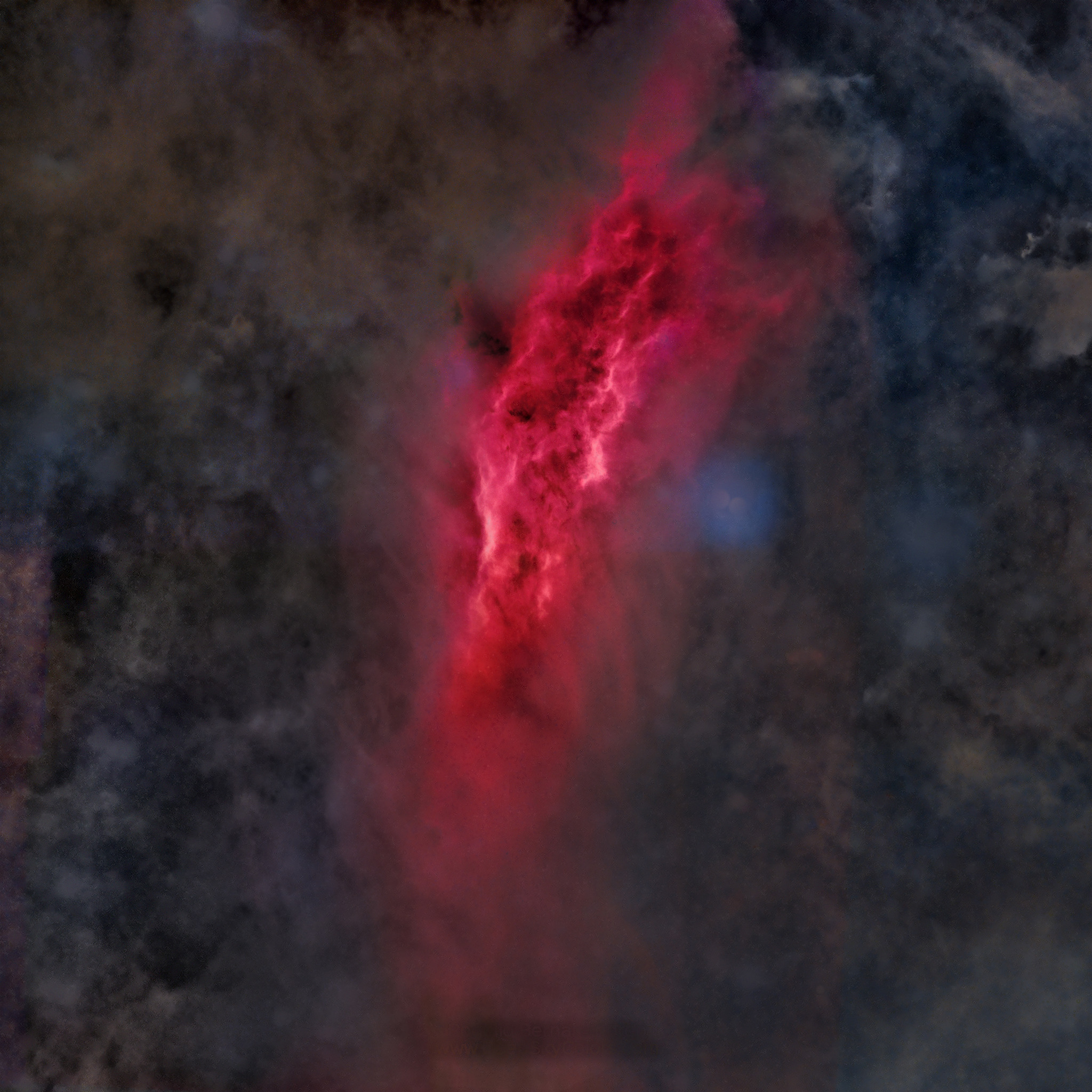
Faint dust, gas and IFN brought up, the bright areas left alone, with no mask
Faint Signal Lift (FSL) brings up the faint signal of an image (dust, gas, IFN) without disturbing its bright areas, and without a mask. Each pixel can only get brighter, and the bright parts of the image are not touched.
1Introduction
The process compares each pixel with the brightness of its surroundings, measured over a large area: 4% of the image's short side, so it behaves the same on a small and a large image. Where the surroundings are dark, the faint structures are raised toward a common level; where the image is already bright, nothing changes, because the result is always the brighter of the original and the lifted value. This is why no mask is needed.
Technically, each pixel is divided by the large-scale brightness around it (a Retinex-style normalization), which keeps the local detail and drops the large-scale shading. The image is then lit again by a single light, whose shading follows the slopes of that large-scale brightness, and only the brightening is kept. The panel has four sliders and one test switch.
2Quick Start
- Open a stretched image and choose . The live preview (the eye) shows the result on the part in view.
- Raise Intensity until the faint signal shows, then use Boost for a stronger push overall.
- Set Reach: low lifts only the faintest areas, higher also the brighter structures inside them.
- Click Apply.
3Interface & Parameters
The panel has one section, Lift, then the image the process applies to with the live preview's eye, the buttons and the system bar along the bottom.
3.1Lift
Intensity: How much the faint signal is lifted. 0 leaves the image unchanged. From 0 to 1, 0.8 by default.
Boost: Pushes everything harder: the lift reaches further up into the midtones. From 0 to 1, 0.55 by default.
Reach: Low values lift only the faintest areas; higher values also lift the brighter structures inside them. From 0 to 1, 0.44 by default.
Color Recovery: Brings back color in the lifted areas: positive values warmer, negative values cooler. From -1 to 1, 0 (neutral) by default.
Even light: Lifts from all sides alike instead of from one side, so the result has no left/right bias. Off by default. It is a test switch: compare the result with it on and off.
3.2Apply, Preview and Instance
Live preview (the eye): At the end of the Applies to row; Preview in the system bar is the same switch. The brightness of the surroundings is measured once on the whole image, so the preview of any part, at any zoom, shows what Apply gives there. The banner says "PREVIEW only, nothing applied"; the image does not change until Apply.
Applies to: The image the process works on, chosen in a list of the open images.
Apply: Lifts the image named in Applies to, in one history step that Undo takes back, through the image's mask if it has one. Values are kept between 0 and 1.
Instance: Shows the process as the panel has it now, as a DSPX process (.dsproc)
text. Copy puts the text on the clipboard; Save... saves it as a file and puts it on the Process Shelf.
Its process icons are named FSL1, FSL2 and so on.
Reset: Puts every setting back to its default.
4Usage Tips and Tricks
Use it on stretched data. On a linear image the background is so dark that every small change there is amplified.
Start low. Intensity and Boost add up: a little of each usually lifts the faint signal more naturally than a lot of one.
Fast at any size. The measurement of the surroundings takes the same time whatever its size, so a large image is processed quickly.
5Related Tools
Dark Structures: the other way around, deepens the dark structures.
Curves: changes the brightness by level instead of by place.