
PI Theme Studio for PixInsight
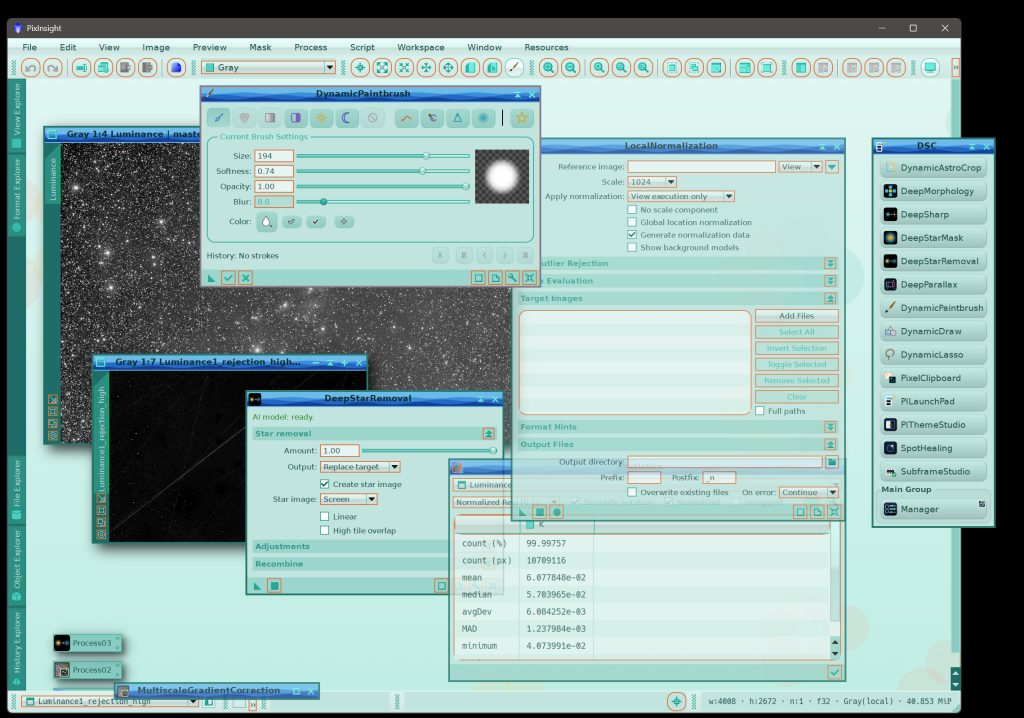
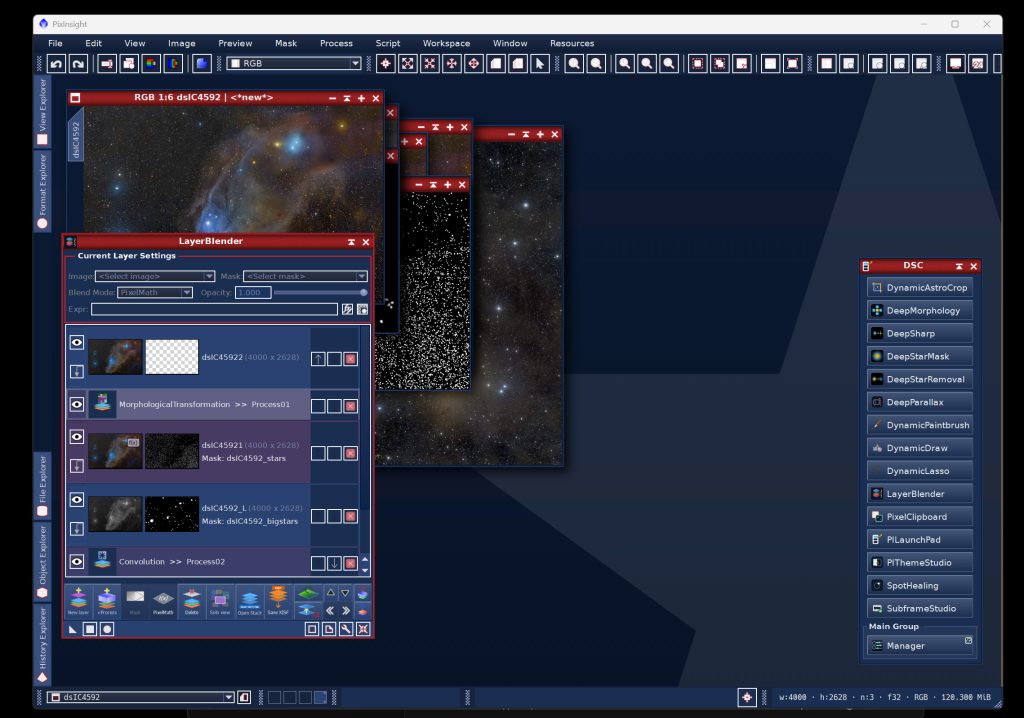
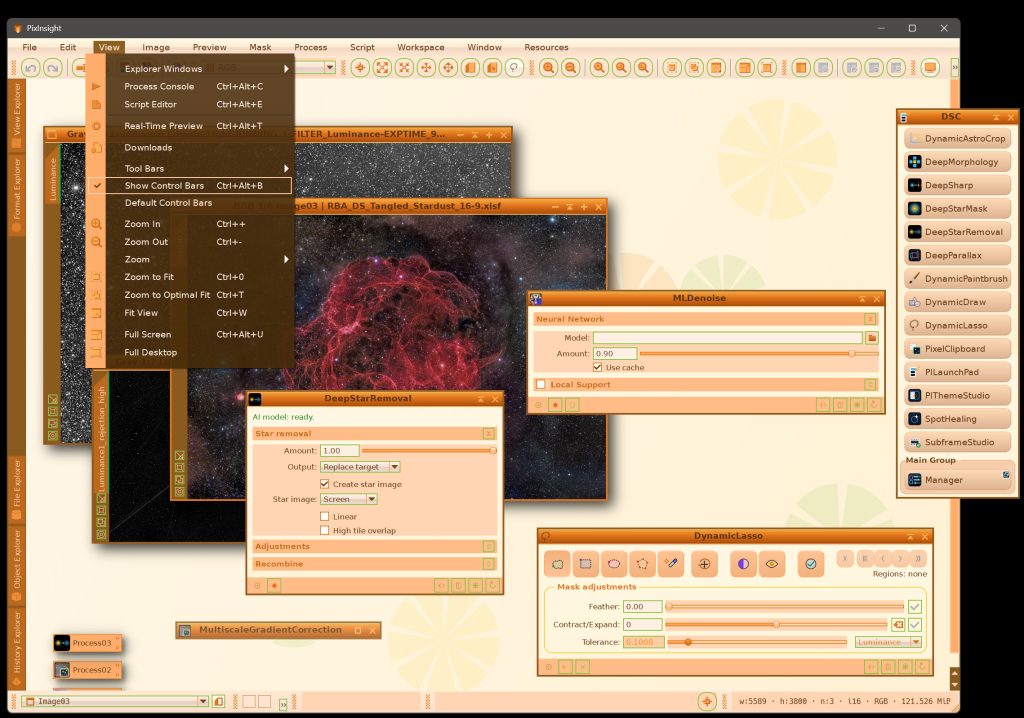
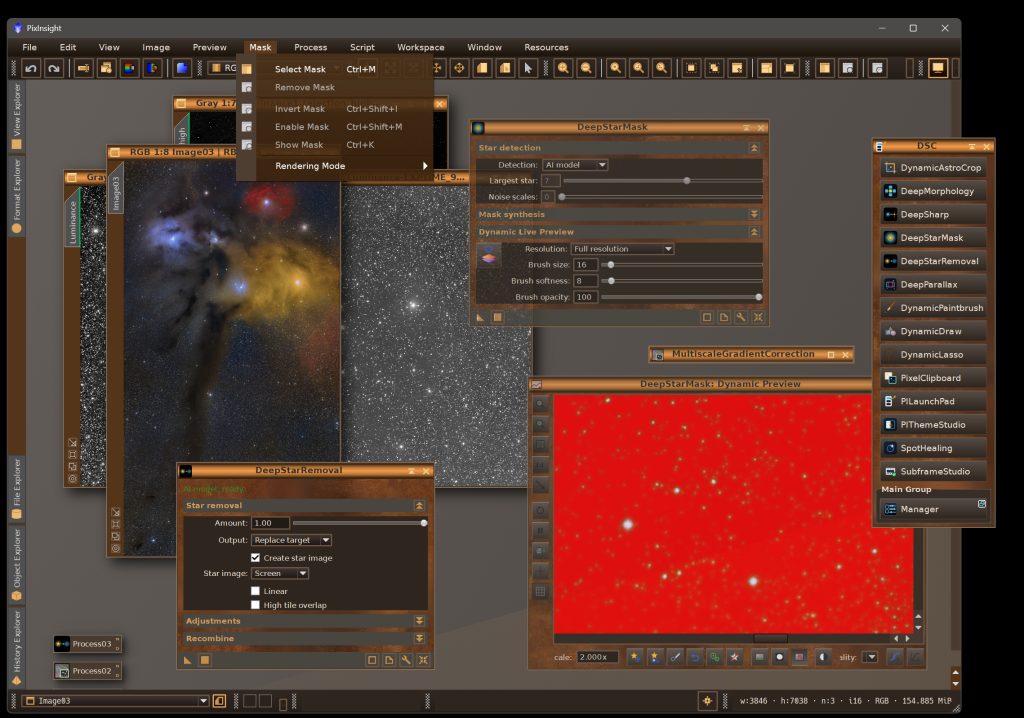
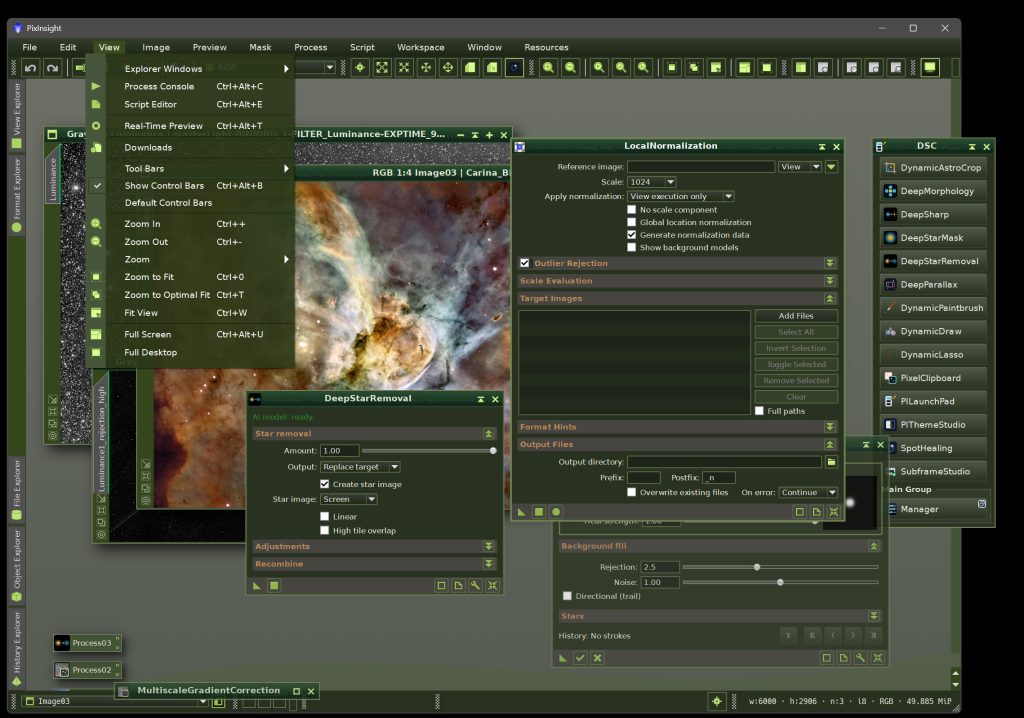
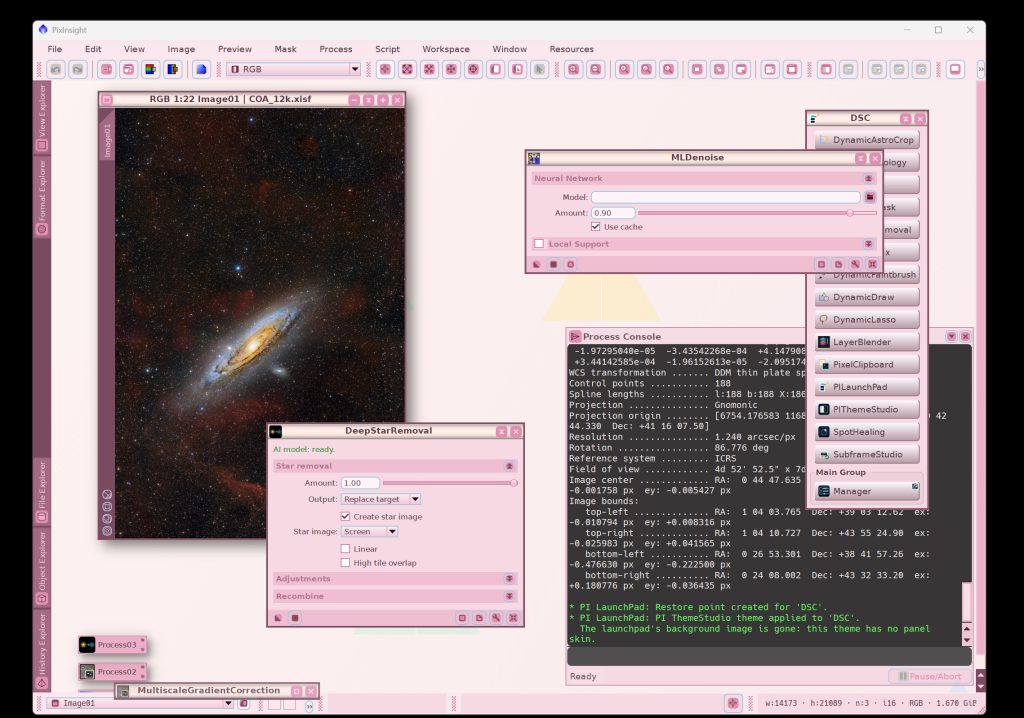
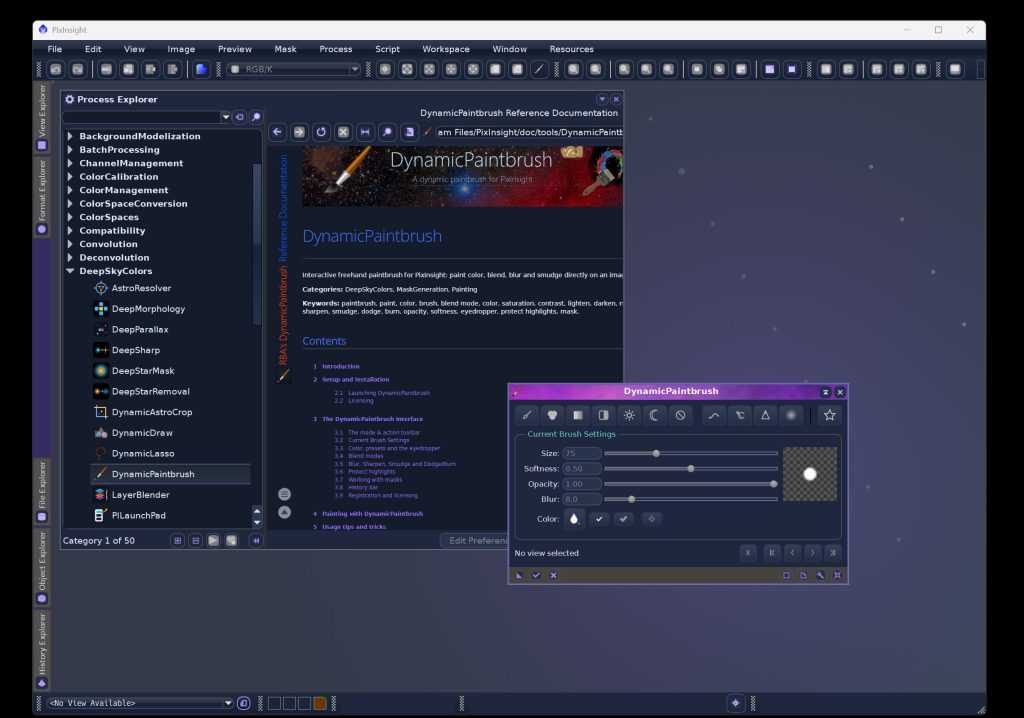
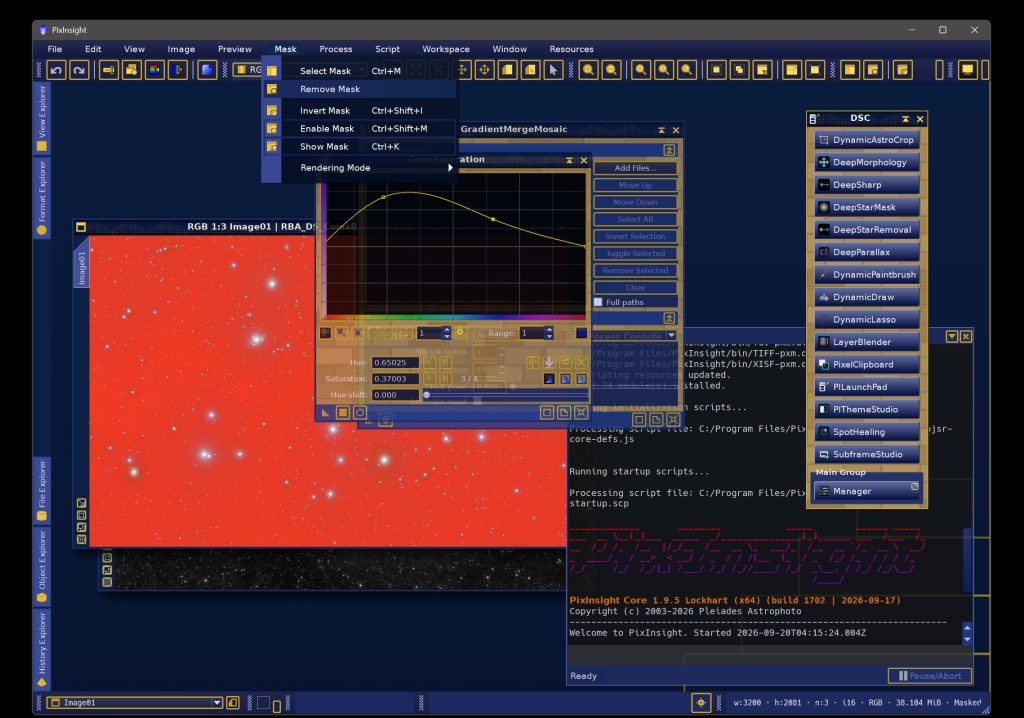
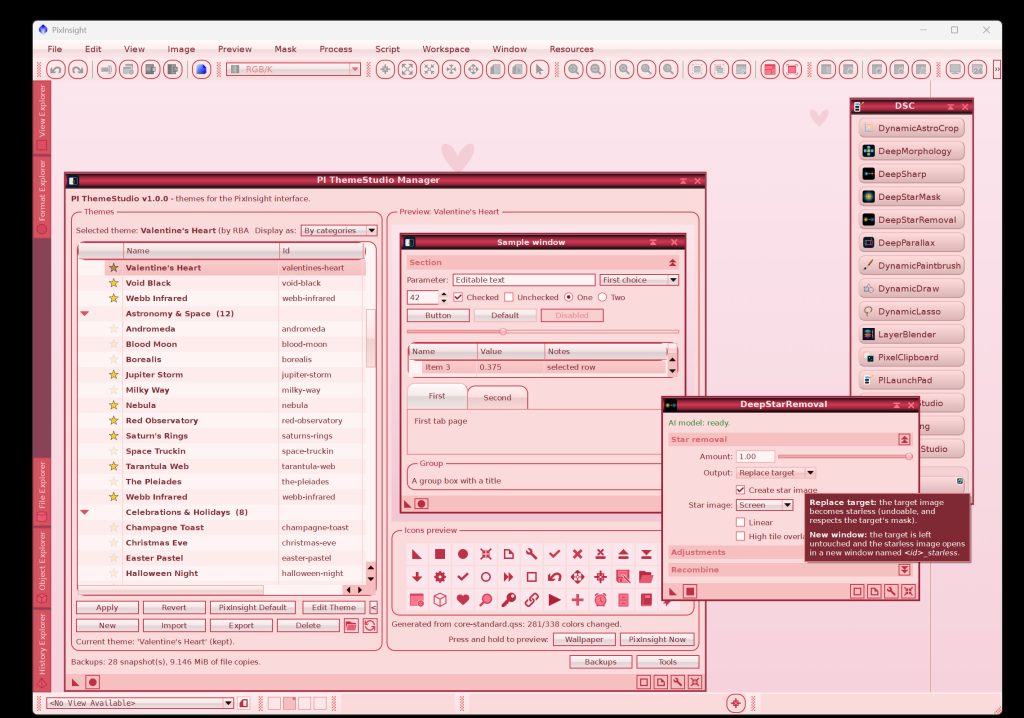
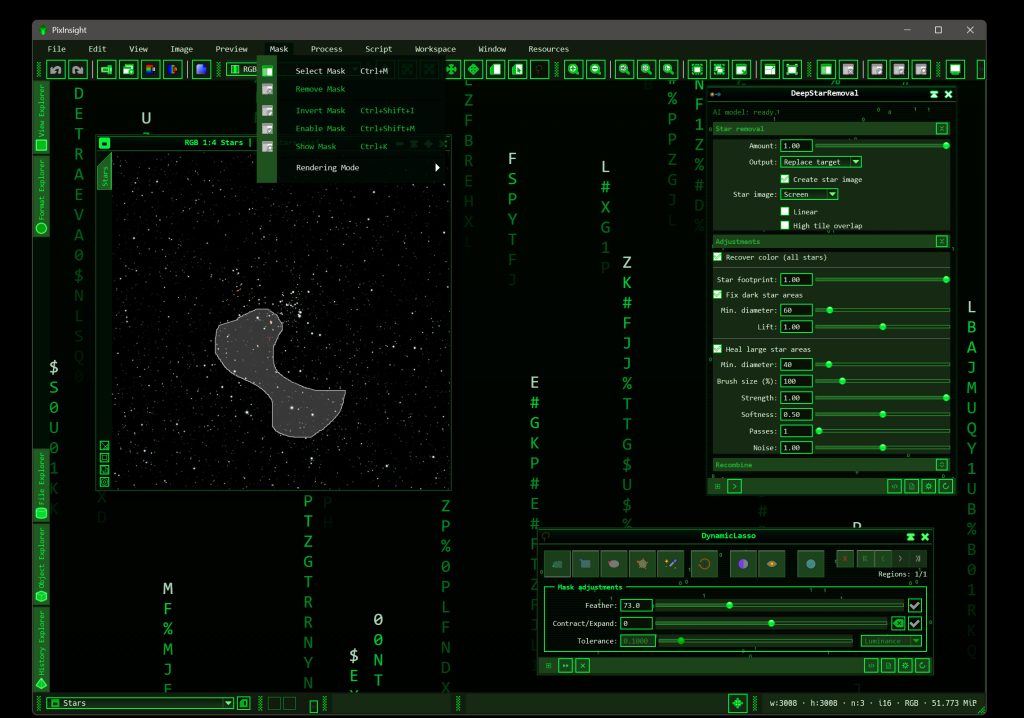
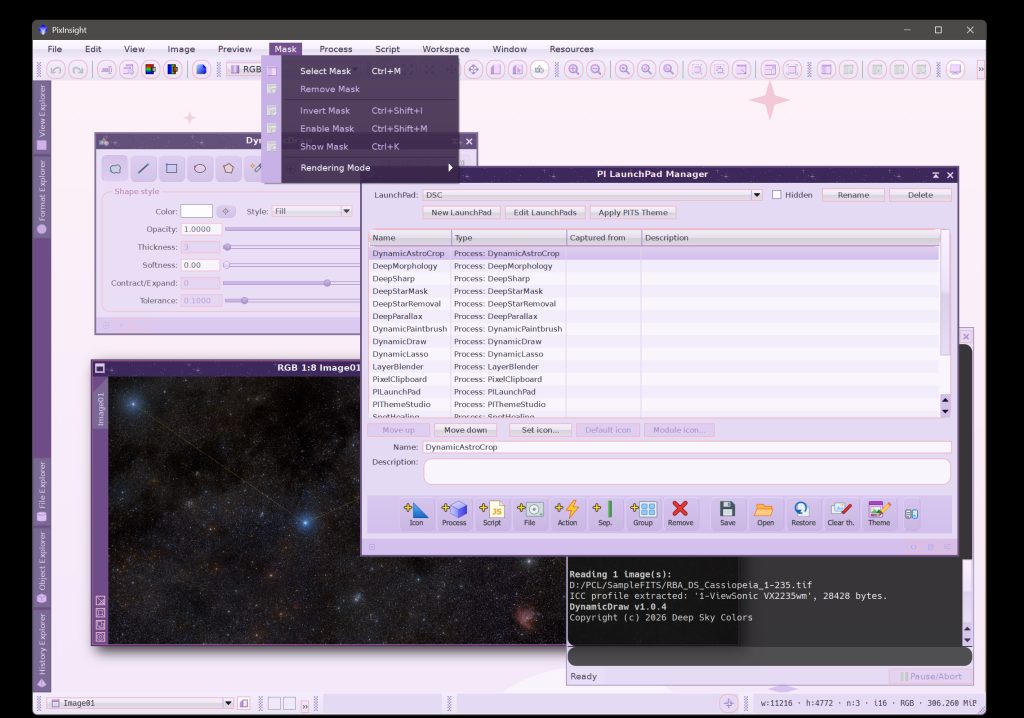
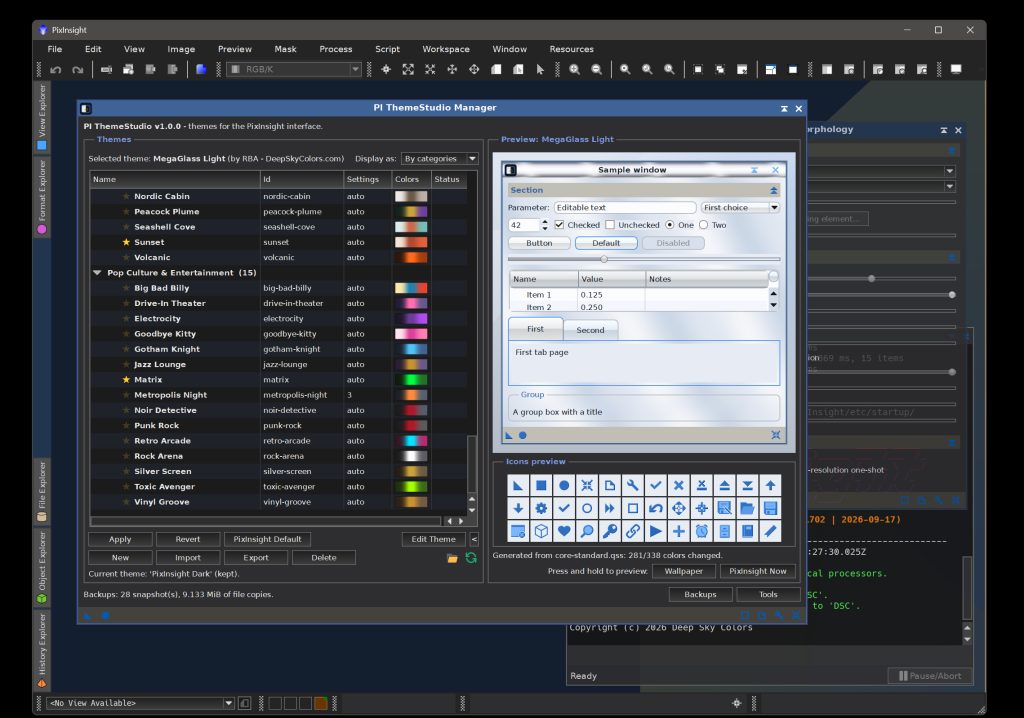
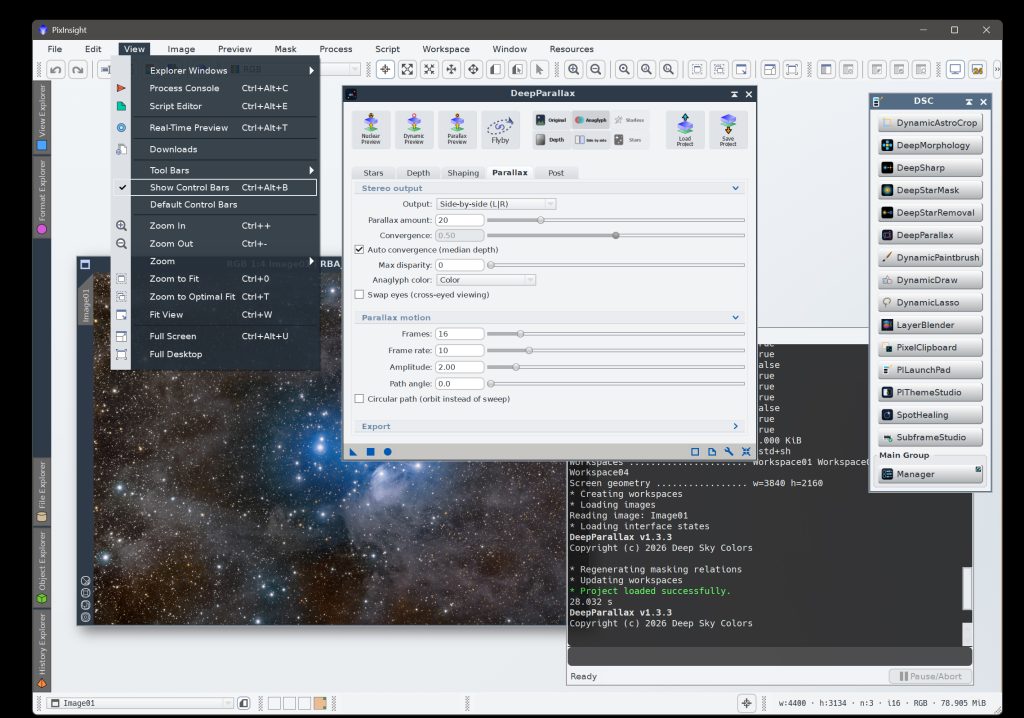
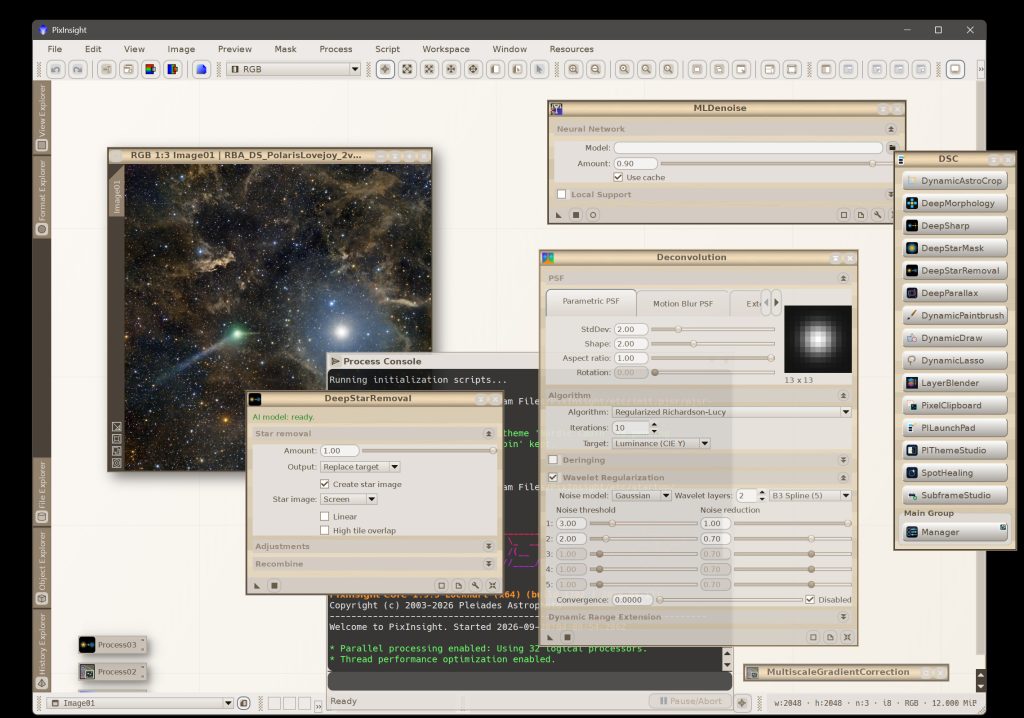
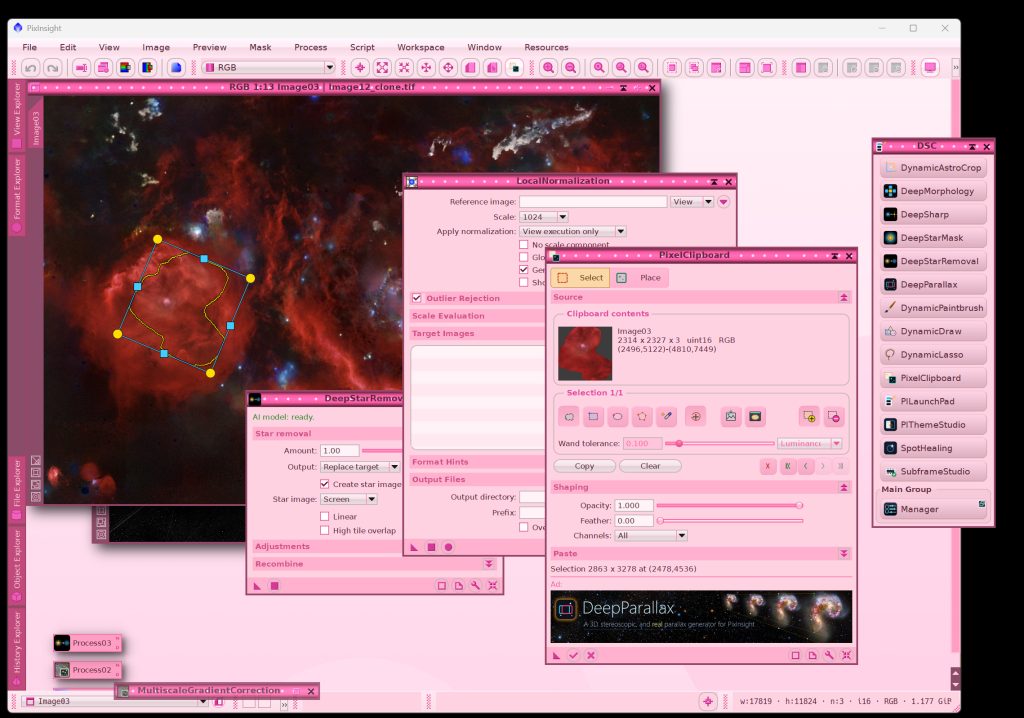
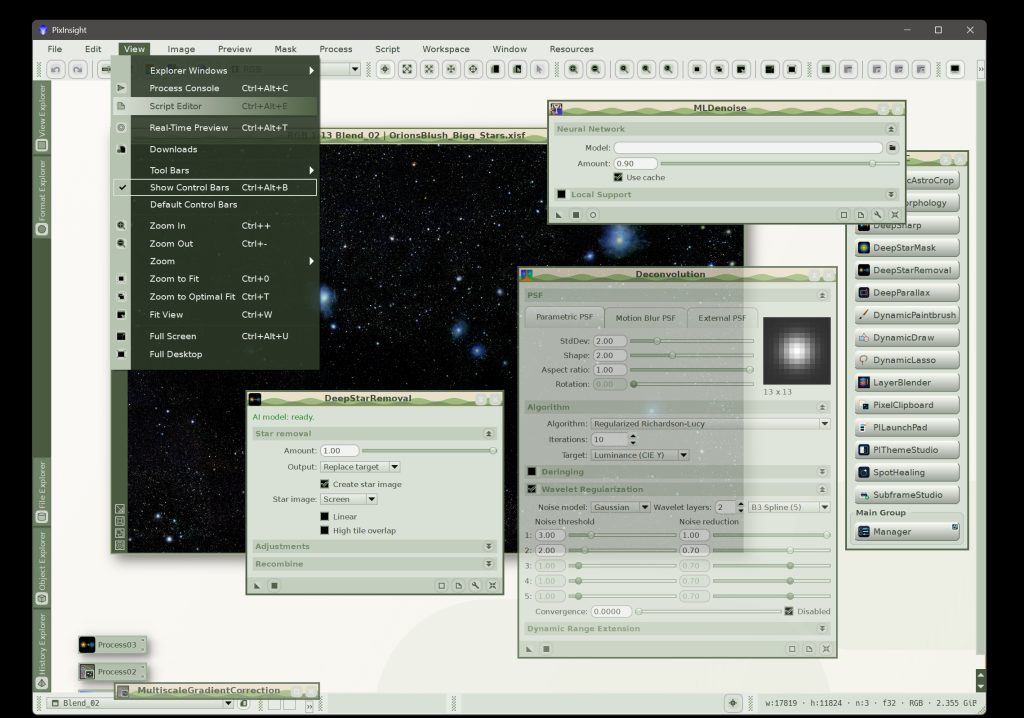
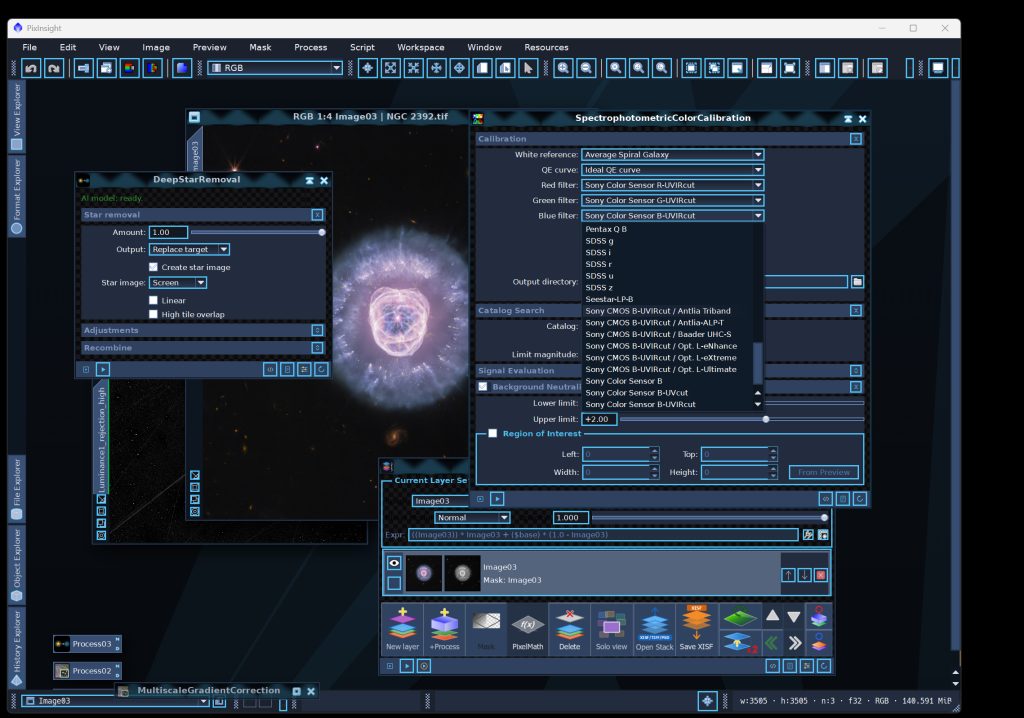
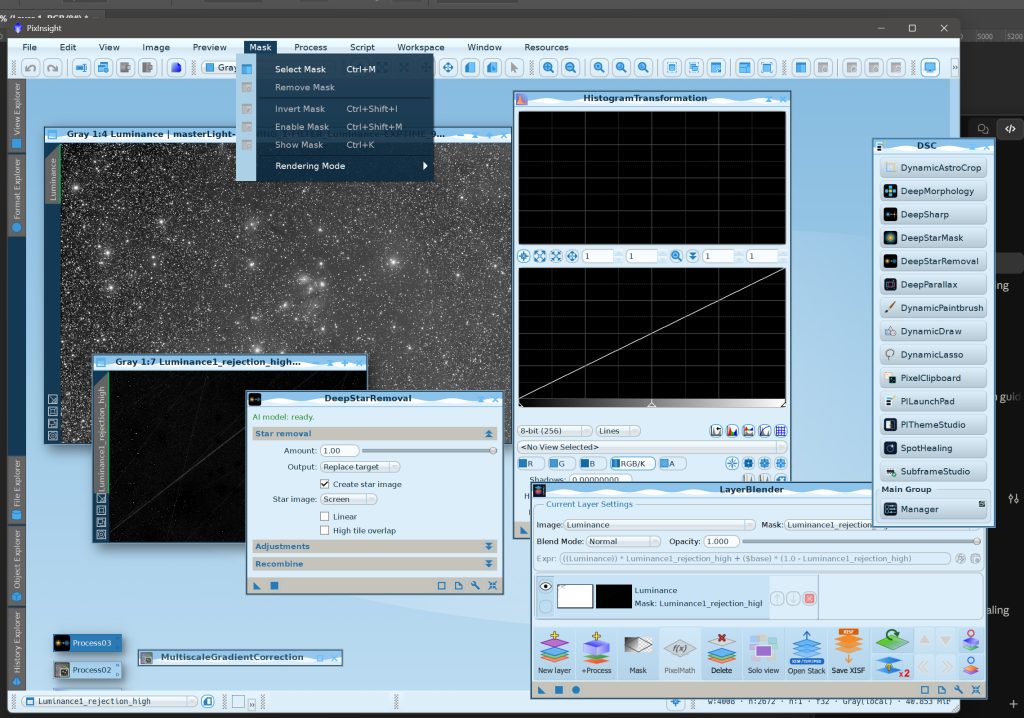
Welcome to PI ThemeStudio!
PI ThemeStudio (we call it PITS around here) changes how PixInsight looks. Colors, icons, wallpapers, fonts, frames, the shape of a tab — all of it, either from a list of ready-made themes or from a theme we build ourselves.
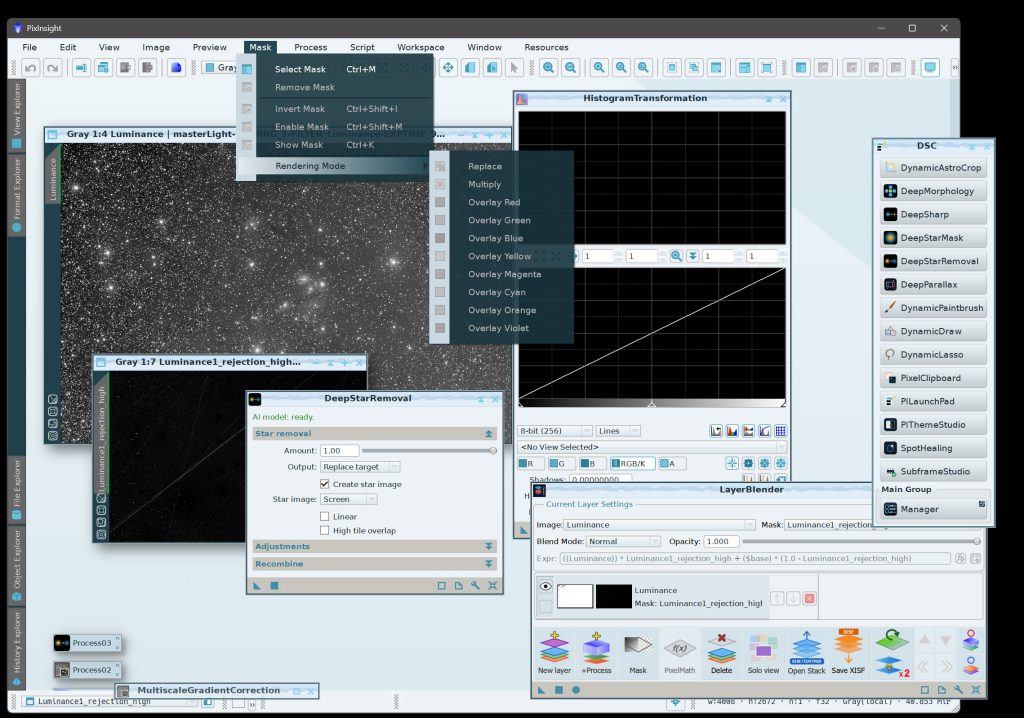
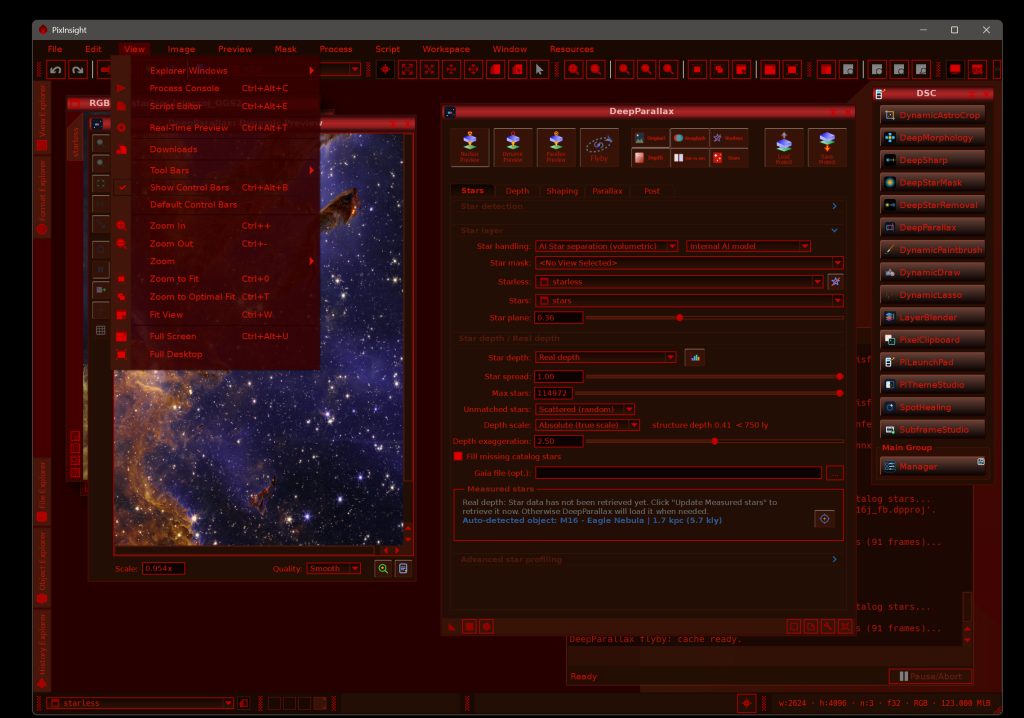
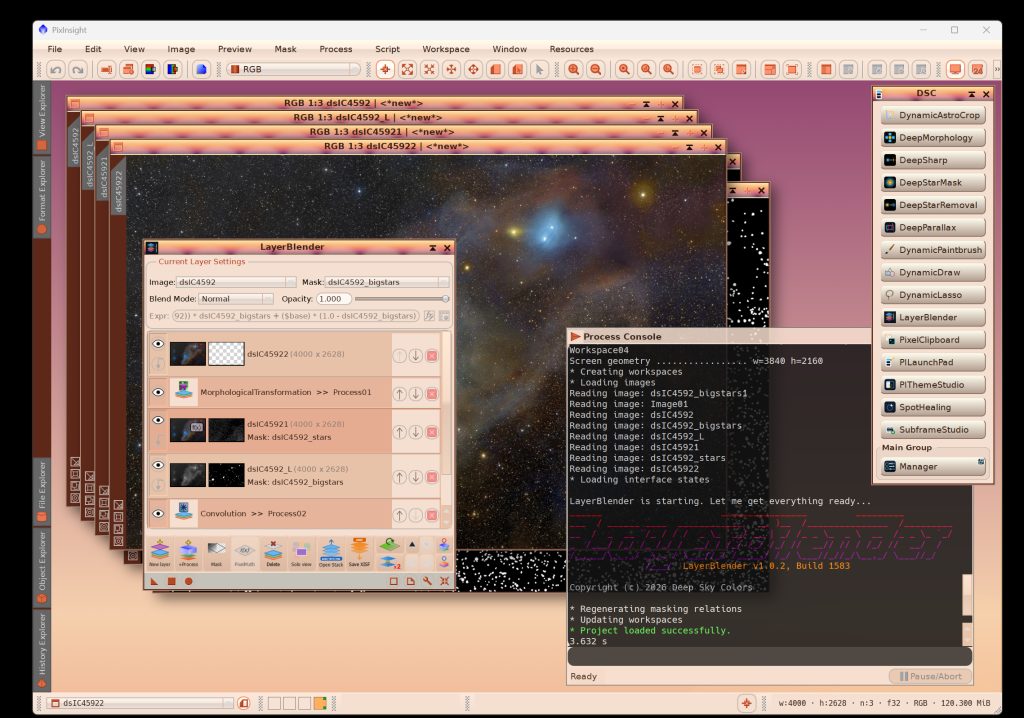
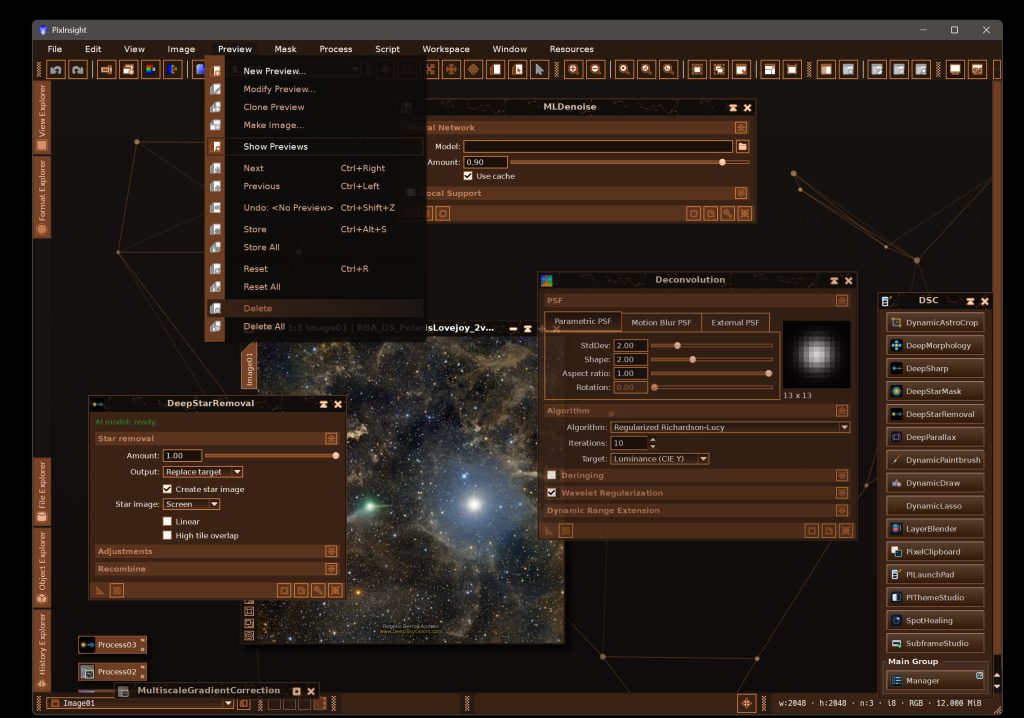
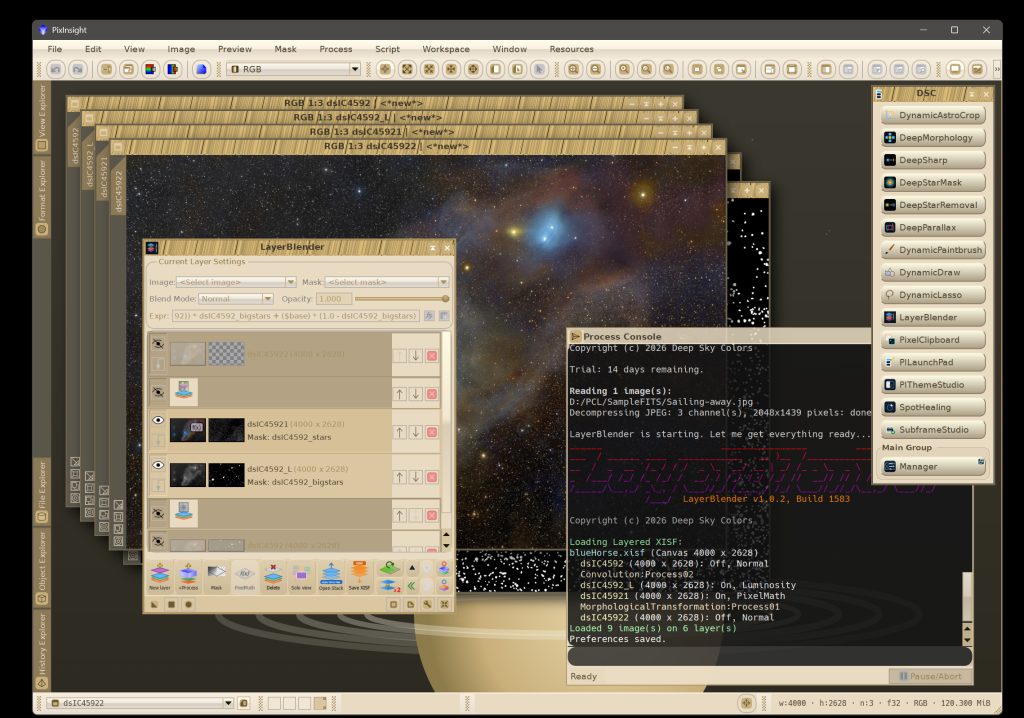
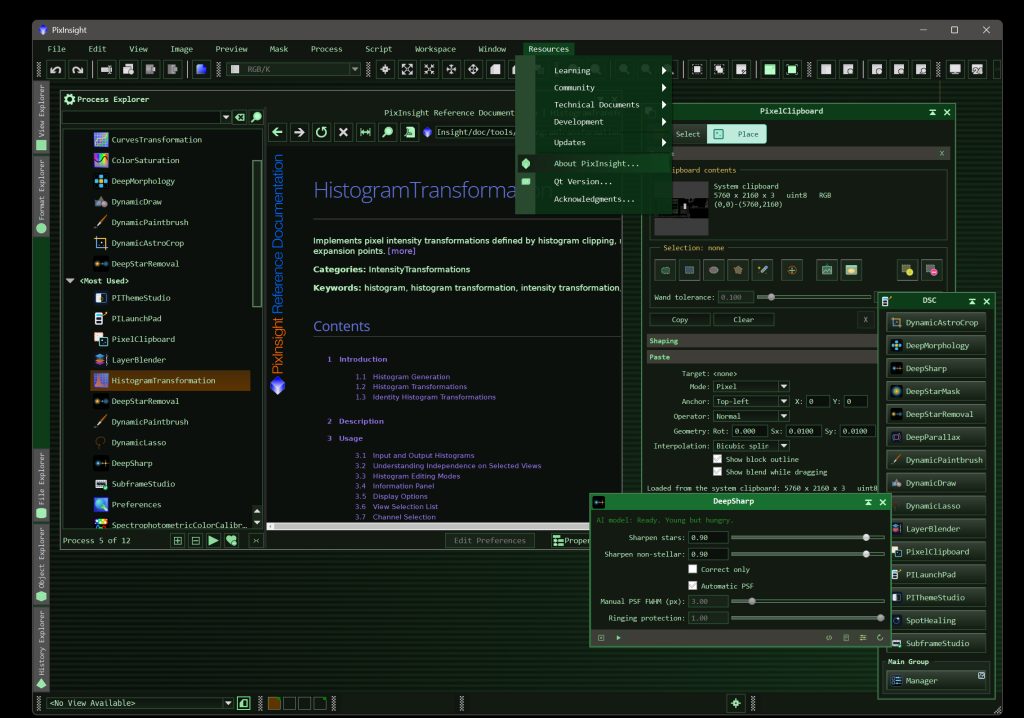
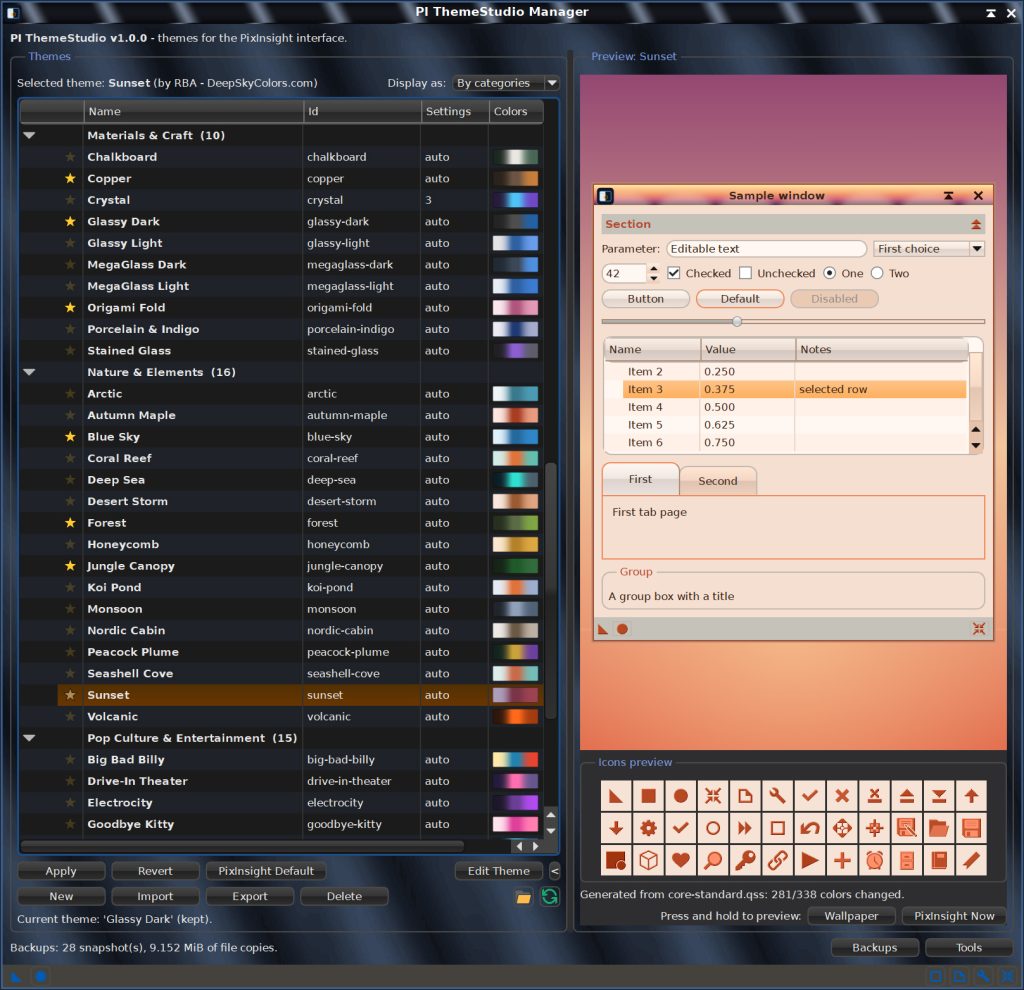
PI ThemeStudio (PITS for short) ships with 80 complete themes in eight categories, from quiet light ones to a dim red observatory theme meant for a night under the stars. Selecting one shows it in the preview; applying it puts it on.
- 80 ready-made themes in eight categories, from quiet light ones to a dim red observatory theme meant for a night under the stars. Each previewed live on a sample “PixInsight window and workspace” preview area before anything is applied.
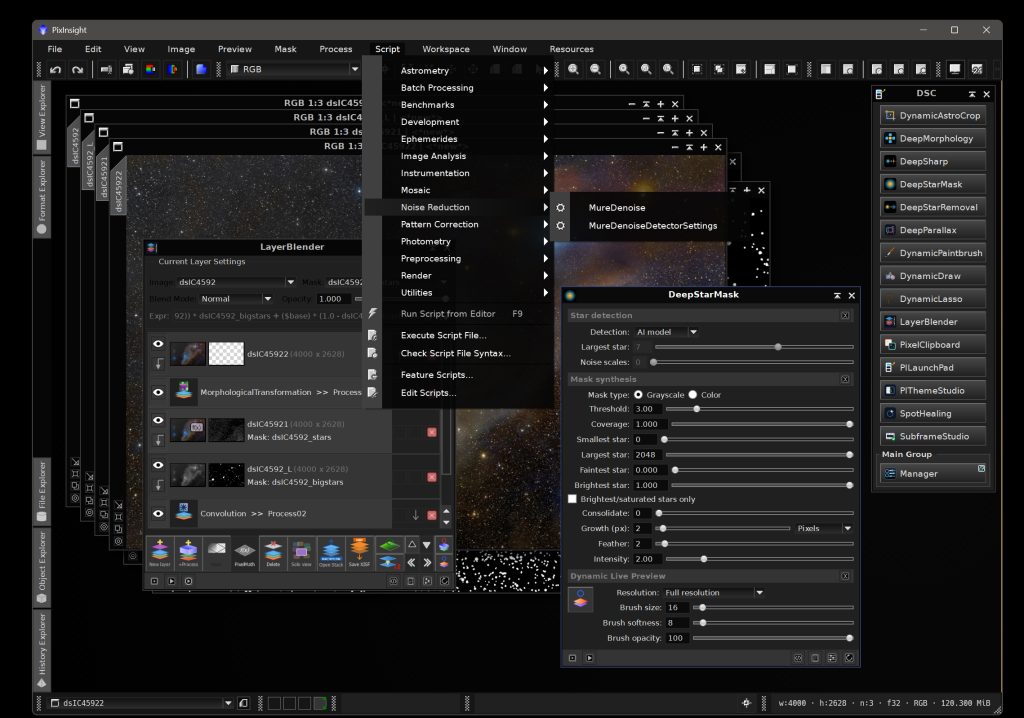
- A Theme Editor with a live preview for refining a theme or building a new one: colors, icons and icon styles, wallpapers, skins, fonts, surfaces and more.
- Only the look changes: your images, processes, projects and working preferences are never touched.
- PI ThemeStudio is safe to use. Every change can be undone, with a snapshot before each apply, a keep-or-revert countdown at the next start, one-click Revert or PixInsight Default, and an offline recovery script should PixInsight itself won’t cooperate.
- Built from PixInsight’s own style sheet and icons, so themes stay readable, recolor any icon that would disappear, and can be regenerated after a PixInsight update.
- PI ThemeStudio can check for conflicting settings in your theme edits. like white text over a bright skin, and warn you before you decide to proceed, or go back to correct the problem.
- Themes are easy to share: export them as
.pithemefile packs, or have an AI assistant write one from a description using the brief included with PITS (see documentation). - Favorite themes can be set, highlighted and grouped for easy reach.
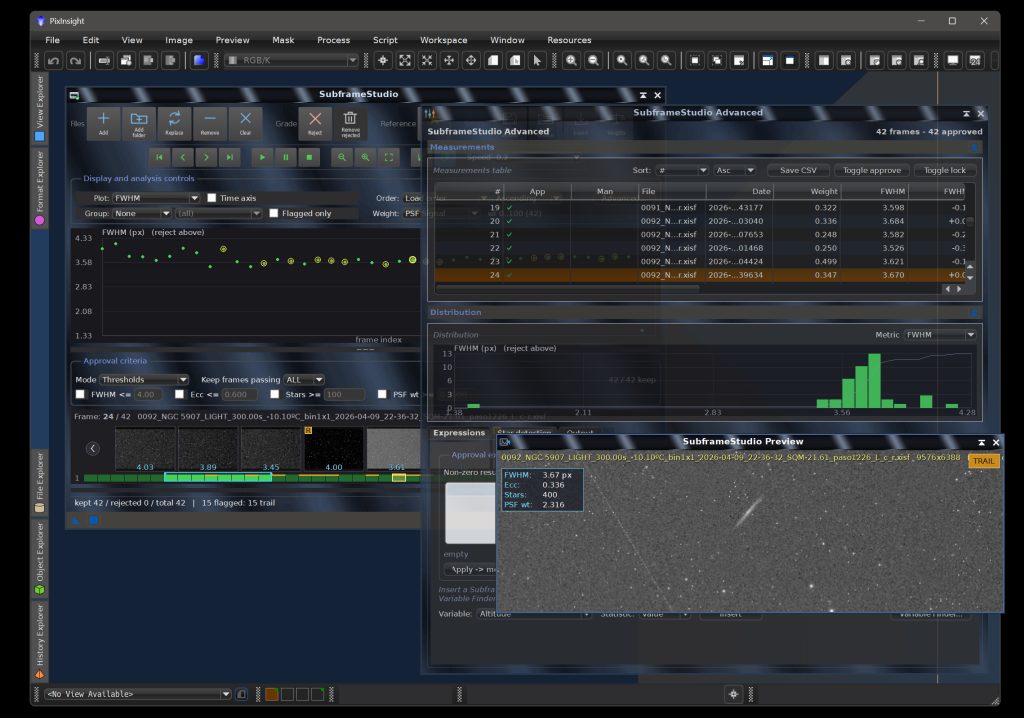
- Other PixInsight modules can follow the theme: PI ThemeStudio publishes its colors and fonts for other modules that use custom style sheets, like many Deep Sky Colors processes, and can directly send the current theme to any PI LaunchPad.
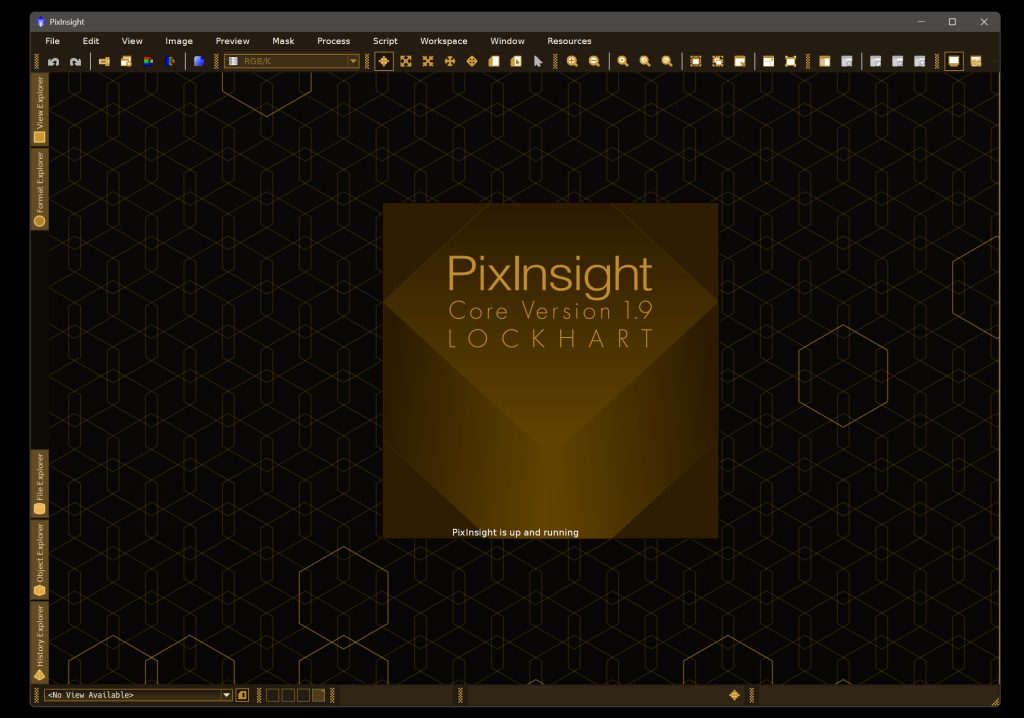
A pitch dark theme, part of the 80 themes included.
Try it for free!
PI ThemeStudio represents hundreds of hours of work, long nights, and patience. Although it is not free, you can try it for 30 days, with no feature restrictions!
If you want to use PI ThemeStudio after the trial period, a forever license is a reasonable one-time payment of US$12.50. No subscription fees: your copy is yours to keep and use forever. You would also receive free upgrades within the major version you purchased.
All we need to do to install our trial copy is add the PI ThemeStudio repository to our PixInsight installation:
https://repo.deepskycolors.com/PIThemeStudio/
If you need instructions for adding the repository URL to PixInsight, click here
With the repository URL in place, we now do RESOURCES > Updates > Check for Updates. The PI ThemeStudio process will appear as a candidate for installation, automatically selected. We click Apply.
After that, PixInsight will inform us that the install will happen once we restart PixInsight. We do that, and PI ThemeStudio will be under PROCESS > DeepSkyColors and PROCESS > Global.
Available for Windows, Linux and macOS (x64 and arm64). The macOS arm64 version requires PixInsight 1.9.4 or later.
Preview every theme, apply one you like, restart PixInsight, done.
Register your copy, use it forever
PI ThemeStudio can be registered for personal use under a paid license. If you wish to use PI ThemeStudio for commercial, business, or organizational purposes, please contact us to discuss appropriate licensing options.
No subscriptions, all free v1.xx updates. Your copy is yours and once registered, it will never be deactivated. You can install and use it on any machine you have also installed PixInsight, for any of the available operating systems (your registration is valid for all offered platforms) or number of installations, as long as they are for you to use.
NOTE: After you make your purchase, you should receive an email from us, usually within 15 minutes. If, after 30 minutes you still haven’t received our message, please check your spam folder. If still nothing, contact us.








PI ThemeStudio Documentation
PI ThemeStudio’s full documentation is accessible from within PI ThemeStudio itself – we just need to click on the Documentation button in PI ThemeStudio and it will appear in PixInsight’s Documentation browser. We have also made the same documentation available online, here:
Credits
PI ThemeStudio was developed using the PixInsight Class Library. Any product derived from the PCL, including PI ThemeStudio, must reproduce the following acknowledgment:
This product is based on software from the PixInsight project, developed by Pleiades Astrophoto and its contributors (http://pixinsight.com/).
The above statement refers to our use of the PCL to develop PI ThemeStudio only. PI ThemeStudio is developed independently, without any relation to or contributions from Pleiades Astrophoto.